
IPTV on iPhone & iPad — the Mobile Viewing Guide
Phones are where IPTV becomes genuinely portable: the match on the train, the news in the kitchen, the kids’ channels on a tablet in the back seat. iOS has a solid set of players in 2026 — including one free standout that the community rates above paid apps. This page covers the best iPhone and iPad apps, setup, how much mobile data you’ll burn, and getting it onto the big screen. Apple TV owners want the Apple TV guide; desktop viewing is on the Windows/Mac page; every other device is on the the device guides.
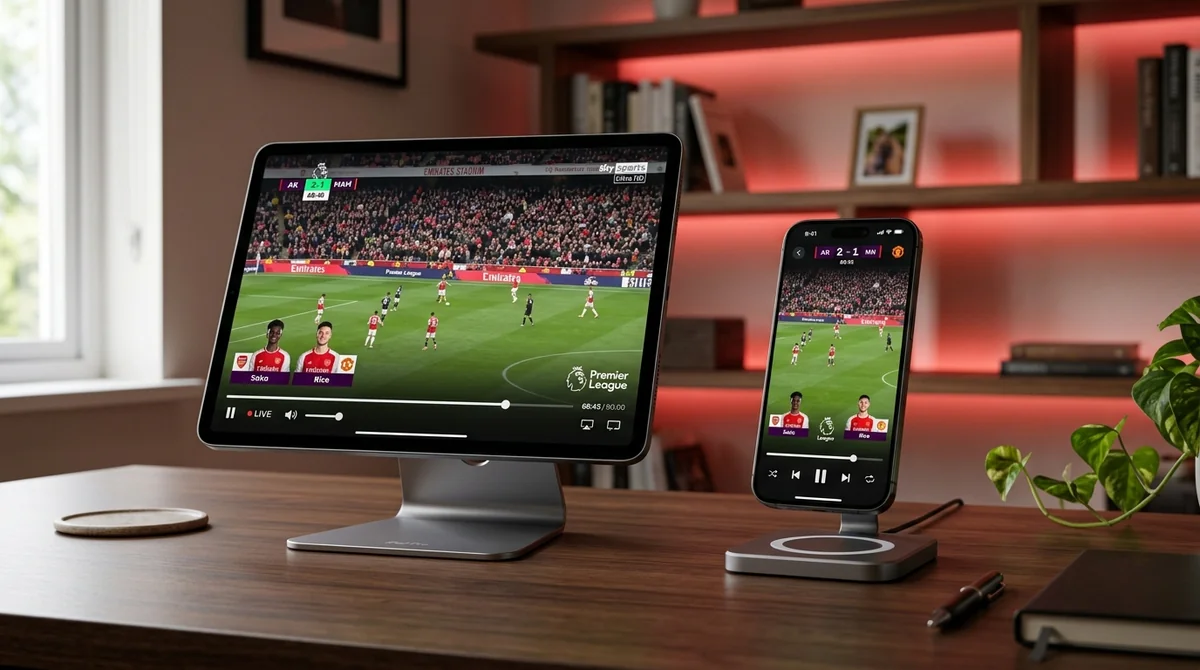 AirPlay, Chromecast & PiP • Sub-Second Stream Loading
What’s the Best IPTV App for iPhone?
The 2026 community ranking, best first:
- SNPlayer — the standout. One free app with M3U/M3U8 and Xtream Codes support, full EPG, Chromecast and AirPlay, picture-in-picture, and parental controls — no ads. It’s the rare “just install this” answer. (One honesty note: the “no ads, no data collection” claim traces to a single test piece — strong signal, but worth knowing the provenance.)
- GSE Smart IPTV — the historic default, “the most popular choice for iPhone users in 2026.” M3U + Xtream Codes, built-in EPG, AirPlay support, advanced playback settings for power users. Free with an optional paid upgrade. Setup is fiddlier than SNPlayer’s — “GSE complicated setup” is a real thread topic.
- Flex IPTV — designed specifically for Apple devices, clean interface, supports PiP. A paid app, but the polish shows.
- IPTV Smarters (Player) — the fastest Xtream Codes setup of the lot and separate Live/Movies/Series tabs. Occasional ads in the free version. Our the Smarters page covers the family.
| App Name | Price Model | AirPlay / Cast | Picture-in-Picture | EPG Support | Best For |
|---|---|---|---|---|---|
| SNPlayer | 100% Free (No Ads) | Both (AirPlay + Cast) | Native PiP | Full XMLTV EPG | Best overall free player for iOS |
| GSE Smart IPTV | Free / Paid Upgrade | AirPlay (+ Cast builds) | Basic | Full EPG + Custom | Power users wanting codec controls |
| Flex IPTV | Paid upfront | AirPlay | Native PiP | Grid EPG | iPad users wanting sleek design |
| IPTV Smarters | Free (Ad-supported) | AirPlay | Yes | Categories + Grid | Quick Xtream Codes setup |
What you won’t find: TiviMate (Android only), and anything promising “free channels included” — which brings us to the standing misconception: IPTV apps are empty players. They include zero channels. Your subscription supplies the playlist; the app just plays it. Every iOS guide’s FAQ says this because every newcomer asks it.
iPad: The Bigger Screen Changes Everything
“Best IPTV app for iPad” gets a different answer than iPhone, and the reason is screen real estate: the EPG grid — the thing that makes IPTV feel like TV rather than a video list — is dramatically more usable on an iPad. “iPad elevates IPTV” is the recurring community framing, and it’s right. Flex IPTV in particular gets praised for the cleanest channel grid on iPad, and SNPlayer’s full feature set shines with room to breathe.
If you’re choosing a around-the-house second screen, the iPad beats the iPhone by enough that it’s worth saying plainly: phone for out-and-about, iPad for the sofa when the TV’s taken.
 SNPlayer & GSE Smart IPTV • Xtream Codes Sync
How to Set It Up (GSE Example)
The routine is the same across the apps above:
- App Store → install SNPlayer, GSE Smart IPTV, IPTV Smarters, or Flex IPTV.
- Open → add playlist → paste your M3U URL or use Xtream Codes login (username, password, portal/server URL). Xtream is the community preference — simpler and more reliable.
- Add the EPG/XMLTV URL separately if the app asks for one (some bundle it with Xtream automatically).
- Let the playlist load fully — big lists take a few minutes on first launch — then set favourites.
Your credentials come with any subscription — with us they arrive on WhatsApp within minutes of the requesting a trial — and the login technology is explained in our understanding Xtream Codes. If your provider only sent an M3U link, our understanding M3U covers that route.
How Much Mobile Data Does IPTV Use?
The question behind “iptv on iphone buffering on data”: streaming TV over 4G/5G eats data fast, and the numbers matter:
- 4K: ~25 Mbps — roughly 11 GB per hour
- Full HD: ~13 Mbps — roughly 6 GB per hour
- HD: ~8 Mbps — roughly 3.5 GB per hour
| Stream Quality | Bandwidth Required | 1 Hour Data Usage | 90-Minute Football Match | Ideal Connection |
|---|---|---|---|---|
| 4K Ultra HD (UHD) | ~25 Mbps | ~11.25 GB | ~16.8 GB | Home 5 GHz Wi-Fi or unlimited 5G |
| Full HD (1080p 50fps) | ~13 Mbps | ~5.85 GB | ~8.7 GB | Strong 5G / generous 4G plans |
| HD (720p 50fps) | ~8 Mbps | ~3.60 GB | ~5.4 GB | Mobile commute data / train Wi-Fi |
A 90-minute football match in 4K is the better part of 17 GB. On an unlimited data plan, fine. On a 20 GB monthly plan, that’s most of your allowance in one match. Practical advice from the community: drop to Full HD or HD on mobile data — on a phone screen you genuinely won’t see the difference, and it never buffers. Save 4K for home Wi-Fi (5 GHz, not the congested 2.4 GHz band). Our bandwidth guide has the full breakdown of what each quality tier needs.
AirPlay and Chromecast: Phone to Big Screen
“Can I Chromecast IPTV from iPhone to TV” — yes, with the right app:
- SNPlayer supports both Chromecast and AirPlay — the most flexible option.
- GSE Smart IPTV supports AirPlay (and Chromecast in some builds).
- Most iOS players support AirPlay to an Apple TV — our Apple TV guide covers the receiving end.
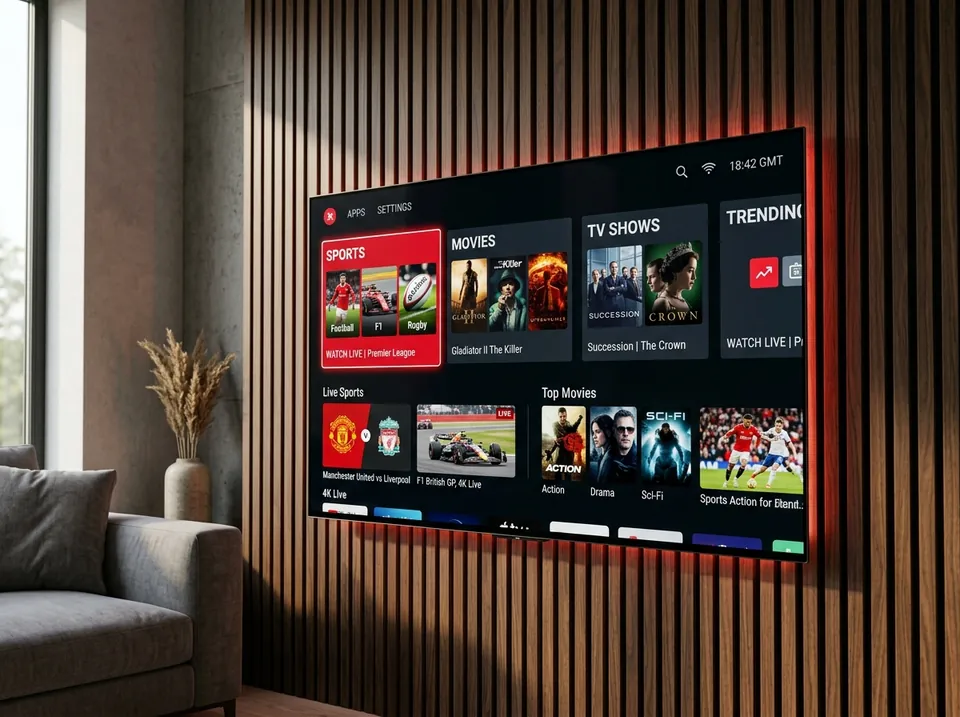 AirPlay to Apple TV & Smart Screens • Zero Stutter
Casting is a great fallback — the match is on, you’re at a mate’s house, throw it to their TV. It’s not a daily driver: a native TV app is always smoother and doesn’t drain your phone battery. For regular big-screen watching, the device guides will sort you with a proper setup.
Picture-in-Picture: IPTV While You Do Other Things
iOS PiP support is an underrated reason to pick the right player: Flex IPTV and SNPlayer both support picture-in-picture, so the match floats in a corner while you message, browse, or check stats. GSE’s PiP support is patchier — another point for SNPlayer as the default recommendation. If PiP matters to you, verify it in the App Store description before installing, because iOS PiP support varies by app version.
Why Does My IPTV App Show No TV Guide?
“Why does my IPTV app not have a tv guide on iphone” — because the player decides whether you get a guide, not the subscription. The classic trap is VLC on iOS: it plays the streams fine but shows no EPG at all — users expecting a TV guide are disappointed. Same story with any barebones player.
If you want the full guide experience on iPhone/iPad, use SNPlayer, GSE, Flex, or Smarters — all ship with proper EPG support. If your guide loads but won’t update, that’s a different problem: our EPG troubleshooting page walks through the fix.
Syncing with Mac: SNPlayer and GSE
“Is there an IPTV player for Mac that syncs with iPhone” — yes, and it’s neat when it works. SNPlayer runs natively on Apple Silicon Macs (M1 and later, macOS 14+), and GSE has a separate Mac App Store version. IPTVX adds iCloud sync across iPhone, iPad, Apple TV, and Mac — playlist, favourites, and watch progress follow you. Our Windows/Mac guide covers the desktop side properly. If you’re all-Apple, this cross-device continuity is the ecosystem’s best trick.
VPN on iPhone/iPad: The Easy Toggle Test
Mobile makes the community’s VPN diagnostic trivially easy — it’s a Control Center toggle:
- Buffering on Wi-Fi? Turn the VPN off and test. VPNs add latency, and on phones the speed penalty is immediately obvious.
- Throttled at match time? Turn it on. If streams die at 3pm on Saturdays, your ISP is likely throttling video traffic.
- The mobile-specific advice: “close VPNs with high latency; use a low-latency VPN if needed” — on a phone, a slow VPN server ruins everything, so pick a nearby server.
Privacy and throttling-avoidance are the two pro-VPN arguments; speed loss is the anti. Test both states; keep the winner.
GSE vs IPTVX vs Smarters on iOS: Which Suits You?
The three-way iOS debate never quite settles because the apps optimise for different people:
- Pick SNPlayer if you want the best free everything: full EPG, Chromecast and AirPlay, PiP, parental controls, no ads. It’s the default recommendation for a reason — most people should start here and stop.
- Pick GSE Smart IPTV if you’re a power user: advanced playback settings, JSON playlist support, deep customisation. You trade setup simplicity for control — the classic GSE bargain.
- Pick IPTVX if design matters and you’re all-in on Apple: the Netflix-style interface and iCloud sync across iPhone, iPad, Apple TV, and Mac are genuinely lovely. The subscription pricing is the sticking point — it “loses on value” against free SNPlayer in the community’s words, so it has to earn its money through the experience.
- Pick IPTV Smarters if you want the fastest possible route from install to watching: Xtream Codes login, separate Live/Movies/Series tabs, done in minutes. Occasional ads are the price of free.
None of them includes channels — the standing reminder — and your subscription login works in all four, so switching costs nothing but a download.
iPhone/iPad IPTV FAQs
Is there a free IPTV app for iPhone with no ads?
SNPlayer — free, no ads, full EPG, Chromecast/AirPlay/PiP. It’s the community’s 2026 pick for exactly this question.
Can I watch on my iPhone and iPad with one subscription?
Your login works on both — but one connection means one simultaneous stream. Watching on the phone or the iPad is fine; both at once needs an extra connection. See our plan options.
Will IPTV drain my battery?
Streaming video is one of the heaviest phone tasks — expect significant drain over a full match, especially on mobile data. Plug in for long sessions; it’s normal, not a fault.
Want it on your phone in the next ten minutes? We’ll get you set up.
Message us on WhatsApp at +44 7877 162001 — say iPhone or iPad and we’ll send your login plus the app we’d install ourselves, then get your 24-hour free trial running. No card, no commitment.