
IPTV on Apple TV — the tvOS Setup Guide
Apple TV is the mirror image of the Firestick story: a polished box with one hard rule — tvOS is App Store only. No APKs, no Downloader, no sideloading, and unlike Amazon’s Vega situation this isn’t a 2026 surprise; it’s how Apple TV has always worked. The good news: the App Store has genuinely good IPTV players, setup is cleaner than any sideloading routine, and tvOS 17+ even runs VPN apps natively. This page covers which apps the community rates, how setup works, and the quirks that catch Android converts. iPhone and iPad owners want the iPhone/iPad guide instead; every other platform is on the device setup guides.
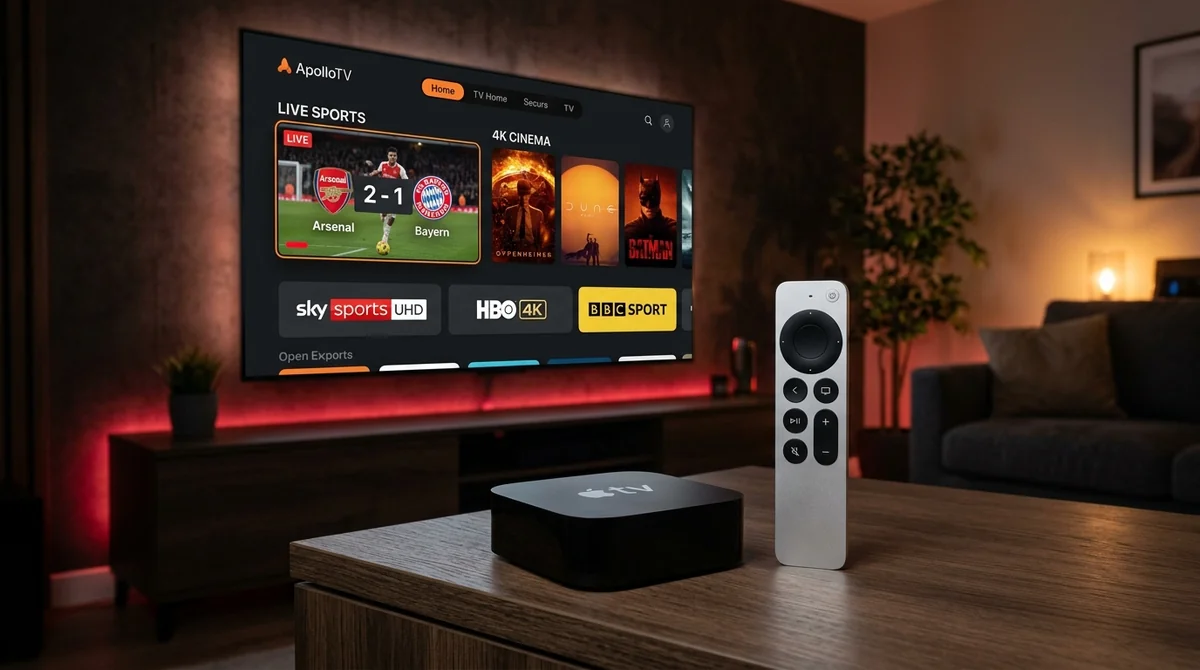 Apple TV 4K • Premium tvOS Interface & iCloud Sync
Can You Sideload APKs on Apple TV?
No — and kill the expectation now, because it’s the #1 correction in every Apple TV IPTV thread. There is no TiviMate on tvOS and there never will be; “TiviMate will come to Apple TV” is a perennial rumour with no basis. tvOS doesn’t run APKs, has no “unknown sources” toggle, and no Downloader equivalent. You install players from the App Store, full stop. The apps below are what the community uses instead — and honestly, the best of them are excellent.
The Sandboxed tvOS Advantage
While you lose Android sideloading freedom, tvOS provides unparalleled hardware acceleration, buttery-smooth Siri Remote touch navigation, and zero malware risk. The Apple A15 Bionic chip in the latest Apple TV 4K decodes high-bitrate 4K HEVC streams effortlessly without dropping a frame.
The Best IPTV Apps for Apple TV
The community’s app picks, in rough order of recommendation:
- IPTVX — “the only true competitor for iPlayTV.” Netflix-style interface, continue-watching, next-episode prompts, iCloud sync across your Apple devices, and an active Reddit community behind it. Premium/subscription pricing — the main thing people debate.
- iPlayTV — the long-time go-to. tvOS-optimised from the ground up, strong EPG, the safe choice that’s been around for years.
- IPTV Smarters (tvOS) — the beginner pick. Easiest Xtream Codes login of the lot; if you want up and running in five minutes, start here. Our Smarters Pro guide covers the family.
- GSE Smart IPTV — the power-user pick. M3U, JSON playlists, Xtream Codes, advanced playback settings, AirPlay and Chromecast support. Powerful, but the setup is fiddly — “GSE complicated setup” is a real thread topic.
- Flex IPTV — simple and clean, designed with Apple devices in mind.
One standing misconception to clear: IPTV apps don’t include channels. Every one of these is an empty player — you supply the subscription and playlist. Every guide’s FAQ says it because every newcomer asks it.
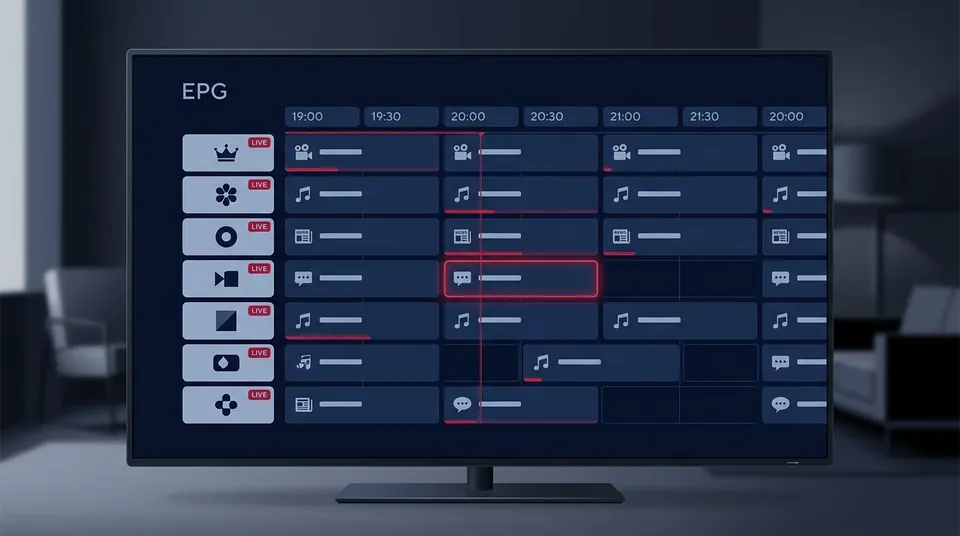 Xtream Codes API Integration • Full 7-Day EPG
IPTVX vs iPlayTV: Which Is Worth Paying For?
This is the Apple TV community’s version of the TiviMate-vs-Smarters debate. The honest breakdown:
- IPTVX wins on design and ecosystem. The Netflix-style UI, continue-watching, and iCloud sync (playlist and favourites follow you across Apple TV, iPhone, iPad, and Mac) make it feel like a modern streaming service rather than a playlist viewer. The active community means problems get solved fast.
- iPlayTV wins on proven reliability. It’s been the tvOS default for years, the EPG is excellent, and it does the core job — live TV with a proper guide — without fuss.
- The pricing question is real. IPTVX’s subscription model gets debated; if you resent another subscription, iPlayTV’s pricing or the free route (Smarters) may suit you better.
There’s no consensus winner — it’s interface taste plus how much the iCloud sync matters to you. If you live entirely in Apple’s ecosystem, IPTVX’s sync is hard to give up once you’ve had it.
| Player App | Pricing Model | Interface Feel | iCloud Sync | Catch-Up EPG | Best For |
|---|---|---|---|---|---|
| IPTVX | Subscription / In-App | Netflix-Style Modern | Yes (Seamless) | Excellent | Full Apple ecosystem owners |
| iPlayTV | One-Time Paid App | Classic Cable Guide | Partial (Manual) | Rock Solid | Dedicated live TV & sports |
| IPTV Smarters tvOS | Free | Basic Tiles | No | Good | Beginners & fast setup |
| GSE Smart IPTV | Free / In-App Upgrade | Technical Menus | No | Basic | Advanced format tinkerers |
How to Set Up IPTV on Apple TV
Refreshingly simple next to the Firestick routine:
- Open the App Store on your Apple TV, search “IPTVX” / “iPlayTV” / “IPTV Smarters” / “GSE Smart IPTV”, install.
- Open the app → add playlist. Either paste your M3U/M3U8 URL or use Xtream Codes login (server URL, username, password) — Xtream is the community preference.
- Let the EPG populate fully before judging it; build favourites from the guide grid.
- In IPTVX, enable iCloud sync so the setup follows you to iPhone, iPad, and Mac.
Your credentials arrive with any subscription — with us, on WhatsApp within minutes of the free trial request — and the tech behind the login is explained in our Xtream Codes credentials. If an app asks for an EPG URL separately from the playlist, our EPG guide explains what goes in that field.
Why IPTV Apps Keep Disappearing from the App Store
“IPTV app disappeared from app store” is a recurring thread, and the cause is Apple’s review process: IPTV players are legal, but Apple’s reviewers periodically pull or demand renames of apps that look like piracy facilitators. Names shift, listings come and go.
Practical advice: verify availability in the App Store at setup time, not from a 2024 guide. If your usual app is gone, the alternatives above are one search away, and your subscription credentials work in any of them — you’re never locked to one player. That’s the upside of the player/subscription split: the app is interchangeable, the login is yours. Our app hub tracks the current picks.
iCloud Sync: The Apple Ecosystem Advantage
Worth its own section because no other platform has it: IPTVX’s iCloud sync means your playlist, favourites, and watch progress follow you across Apple TV, iPhone, iPad, and Mac automatically. Start the match on the TV, finish it on the iPad in bed. GSE has a Mac App Store version too, and SNPlayer runs natively on Apple Silicon Macs — the Windows/Mac guide and iPhone/iPad guide cover those. If you’re all-in on Apple hardware, this sync is the single best reason to pick IPTVX.
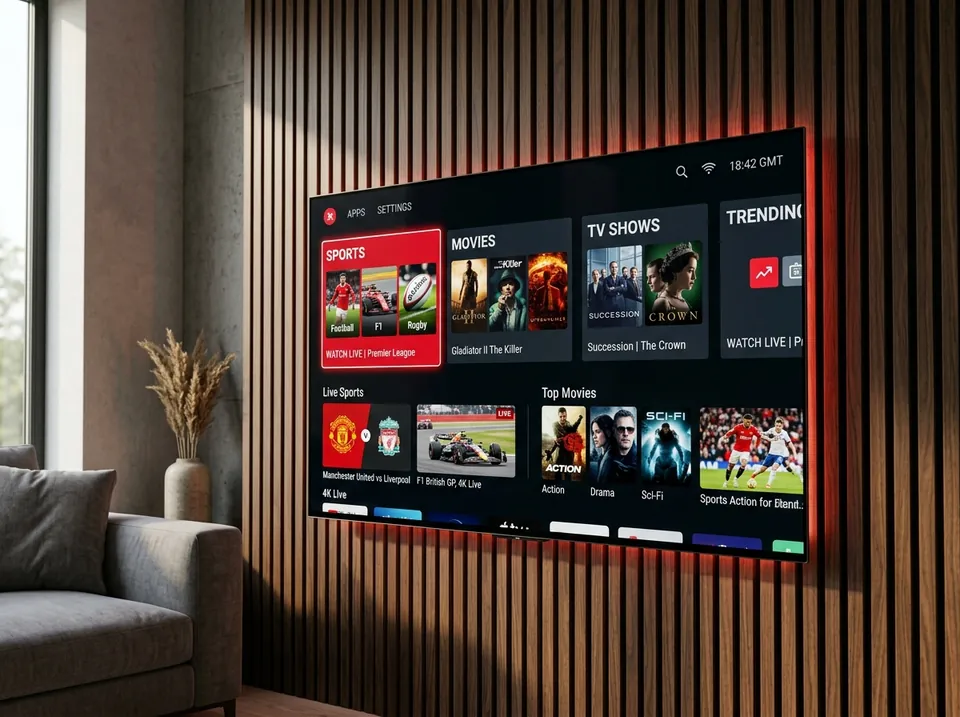 Native tvOS 17+ VPN Apps • Zero Throttling
VPN on Apple TV: Native Apps Since tvOS 17
Unlike Samsung and LG TVs, Apple TV can run VPN apps directly (tvOS 17 and later) — it’s one of the few TV platforms where this is true. That makes the standard community diagnostic easy:
- Buffering? Test with the VPN off first. VPNs add latency and some providers block VPN IPs.
- Clean everywhere except match time? Test with it on. ISP throttling of streaming traffic at peak times is the usual suspect, and a VPN routes around it.
- Still arguing? The hotspot test settles it — stream over mobile data; if it’s clean, the problem is your ISP’s path.
Don’t assume a VPN always helps; test both states. The full on/off logic is laid out in our Firestick guide, and the per-OS VPN map for every other TV is on the smart TV guide.
AirPlay: iPhone to Apple TV
“Can I AirPlay IPTV from iPhone to Apple TV” — yes, and it works well. Most tvOS players support receiving AirPlay, and iOS players like GSE support sending it. It’s a handy fallback: start watching on your phone (our iPhone and iPad page covers the best iOS players), then throw it to the big screen. Not a daily driver — the native tvOS app is always smoother — but perfect for “the match is on and I’m at a mate’s house with an Apple TV.”
GSE Smart IPTV on Apple TV: Power Features, Fiddly Setup
GSE deserves its own section because it’s the odd one out: the most capable player on tvOS and the least friendly. Where IPTVX and iPlayTV guide you through setup, GSE hands you options — M3U/M3U8 playlists, JSON playlists, Xtream Codes API, manual EPG URLs, advanced playback settings most users will never touch. “GSE complicated setup” is a genuine thread topic, not a quirk.
So who is it for? The tinkerer who wants total control: custom stream headers, fine-grained buffer settings, multiple playlist formats in one app, plus AirPlay and Chromecast support for throwing streams around the house. If that sentence excited you, GSE is your app. If it exhausted you, use IPTV Smarters and never look back — you’ll be watching in five minutes instead of configuring for thirty. There’s no wrong answer; there’s only the amount of fiddling you enjoy.
Is the Apple TV 4K Good for IPTV?
Yes — it’s genuinely good hardware for it: fast, excellent upscaling, stable Wi-Fi, and the tvOS players are polished. The only honest downsides versus a Firestick or Android box are price and the absence of TiviMate. If you already own one, there’s no reason to buy anything else for IPTV. If you’re buying for IPTV, a Firestick 4K Max or Google TV box does the same job for a third of the price — you’re paying the Apple premium for the ecosystem, not for better streams.
Apple TV IPTV FAQs
Can I use my subscription on Apple TV and iPhone at the same time?
One connection streams at a time on the base plan — that’s one simultaneous stream, not one device. Your login works on all your devices; add an extra connection if the household needs two screens at once. See our plans.
The app I used last year is gone from the App Store — what now?
Normal Apple churn. Pick a current alternative from the list above; your Xtream Codes login works in any player. Check our app hub for what’s currently recommended.
Apple TV owner? We’ll get you watching tonight.
Apple TV owner? We’ll get you watching tonight. Message our UK team on WhatsApp — tell us it’s Apple TV and we’ll recommend the right tvOS app, send your login, and get your 24-hour free trial running. No card, no commitment.
Instant Apple TV Activation on WhatsApp
Get your Xtream Codes server credentials and fast tvOS player recommendation within 5 minutes. Stream live Sky Sports, TNT Sports, and 4K VOD seamlessly.
Request Free Trial on WhatsApp