Best IPTV Player Apps in the UK — Ranked the Way Real Users Rank Them
Best IPTV Player Apps in the UK — Ranked the Way Real Users Rank Them
First, the distinction experienced users correct newcomers on constantly: a player app is not a provider. TiviMate, Smarters, XCIPTV — none of them give you channels. They’re organisers: they take your subscription login (the M3U link or Xtream Codes details your provider sends you) and turn it into a TV guide, a channel list, and catch-up. No login, no channels. The app is the remote control; the subscription is the engine.
With that settled: which player should you actually use? The consensus ranking across buyer discussions is remarkably stable, and it’s based on what “best” means to people who watch every day — not feature-list length, but EPG layout, channel-zap speed, catch-up integration, and how it feels on the remote in your hand. Here’s the ranking, the reasoning, and which app fits which device.
 Independent Player Apps • Zero Vendor Lock-In
What does “best” actually mean for a player app?
Ask a forum what makes one player better than another and the answers cluster around four things:
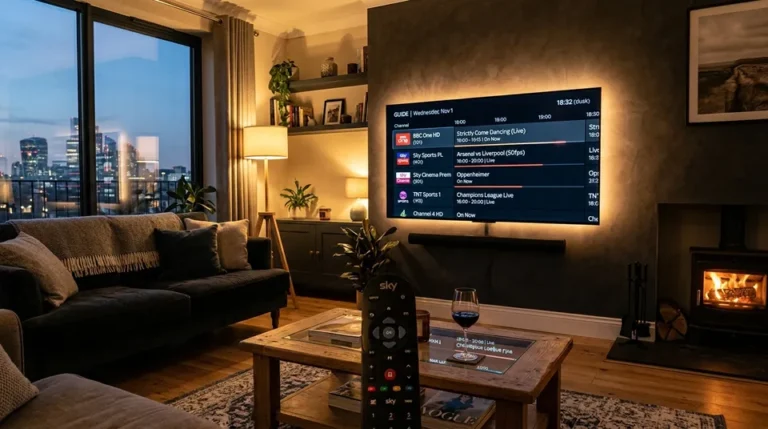
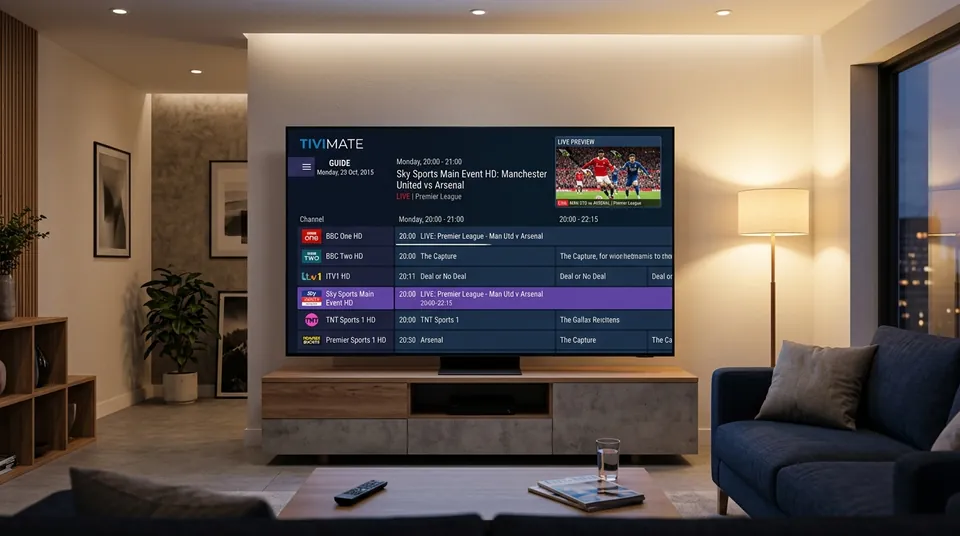
- EPG layout. You live in the TV guide. The best apps show a fast, customisable grid with channel logos, programme descriptions, and catch-up hooked directly into it — scroll back to a missed match and press play. A clumsy guide ruins the whole subscription no matter how good the streams are.
- Zap speed. How fast channels change when you flip. Follow two matches at once and you’ll feel the difference between under-a-second and three-seconds immediately. It’s partly the app, partly the server — but the app sets the ceiling.
- Catch-up integration. The good apps surface catch-up inside the guide itself, so a missed programme is one click back, not a separate menu hunt.
- Remote feel. This is the underrated one. An app designed for a TV remote (directional pad, big readable text) feels completely different from a phone app stretched onto a television. The best-regarded apps are built remote-first.
Two bonus features separate the top tier from the merely good: recording (schedule a match to record while you’re out — TiviMate’s scheduler is the one users praise) and multi-view (four matches on one screen during a busy Saturday). You won’t use them daily, but on the days you need them, nothing else substitutes.
Price barely registers in the ranking — most of the top apps are free or cost a few pounds a year. What matters is the daily experience.
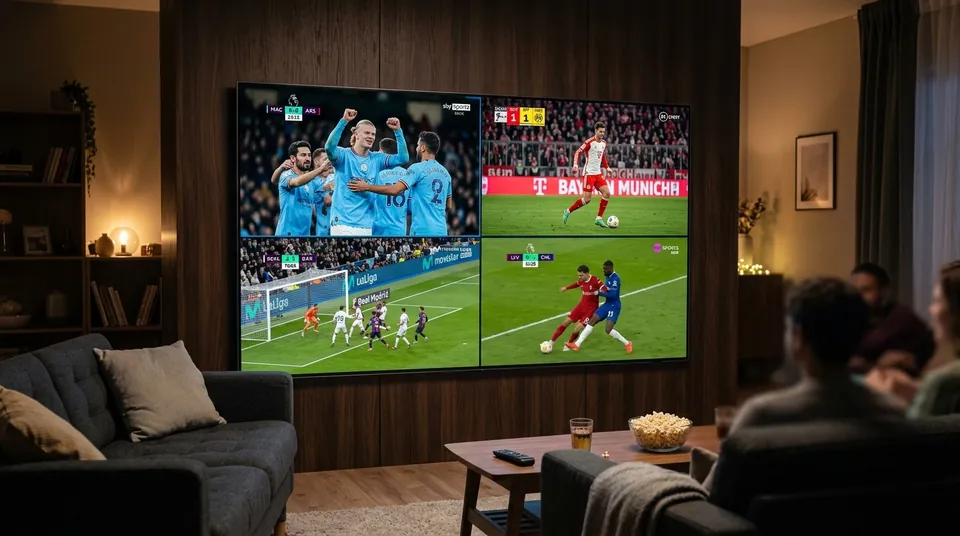 4 Simultaneous Matchday Feeds • 50FPS Fluidity
TiviMate — the consensus number one
Across every community ranking, TiviMate is the power user’s favourite and the overall top pick. What earns it the crown, in users’ own terms: the fastest channel zapping of any player, the best and most customisable EPG grid, proper catch-up integration, a recording scheduler, multi-view (up to four streams on one screen), and the ability to merge multiple playlists into a single unified guide.
The catch, and it’s the only real one: TiviMate is Android and Firestick only. It doesn’t exist on Samsung’s Tizen, LG’s webOS, Apple TV, or iPhone — which is, not coincidentally, one of the biggest reasons the Firestick dominates UK IPTV setups. If you’re on a Firestick or Android TV, the community verdict is near-unanimous: this is the app.
TiviMate has a free tier and a premium tier; the premium is a few pounds a year and users describe it as worth every penny for the EPG customisation and multi-view alone. Your subscription login works in TiviMate with either M3U or Xtream Codes — and we’ll help you set it up free over WhatsApp.
Full detail, screenshots and the setup walkthrough live on our TiviMate page.
IPTV Smarters Pro — the beginner pick
IPTV Smarters Pro is the easiest start for beginners, and the most recommended app for anyone setting up IPTV for the first time — or setting it up for a parent. It’s free, it’s cross-platform (Android, Firestick, iOS, Windows, macOS — the lot), and the setup is a simple wizard: paste in your Xtream Codes login (server URL, username, password) and you’re watching in minutes. The layout is clean and familiar, close enough to traditional TV that non-technical users get it instantly.
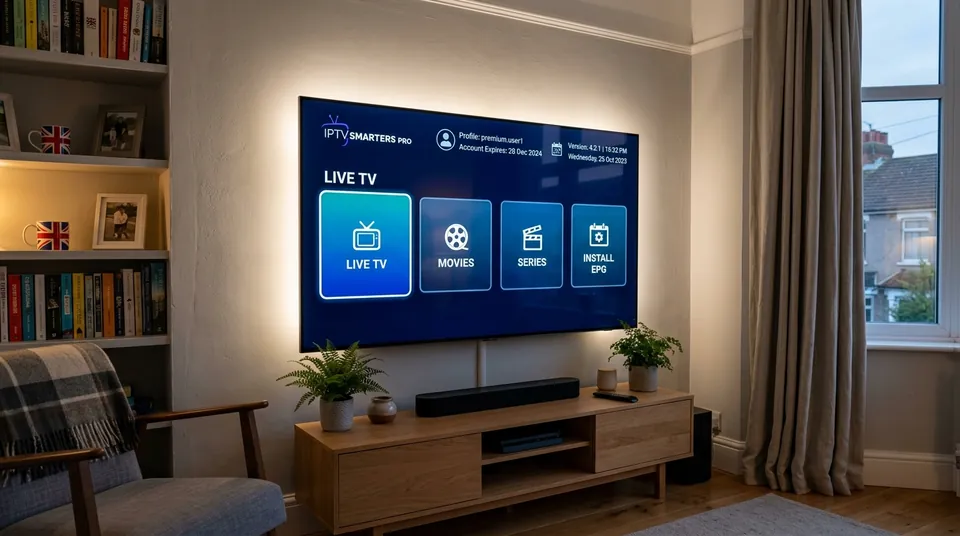 Simple Xtream Codes Wizard • No Learning Curve
The trade-offs users name honestly: channel switching is occasionally slower than TiviMate, and some versions carry ads. Neither is a dealbreaker — Smarters is the app we recommend when someone messages us saying “I’ve never done this before,” and it stays the right answer for iPhone, iPad and Apple TV users who can’t run TiviMate anyway.
Setup walkthrough on our IPTV Smarters Pro page.
XCIPTV — the free middle ground
XCIPTV is the middle ground: clean, free, lightweight, with a layout close to traditional TV. The user summary that keeps recurring: if Smarters feels plain and TiviMate feels like too much, XCIPTV is the one. It’s a particularly good fit for Firestick users who want something a step up from Smarters without TiviMate’s learning curve, and for anyone who just wants the channels in a sensible grid without fiddling with settings for an hour.
It takes the same Xtream Codes login as everything else, so switching between Smarters, XCIPTV and TiviMate is just a matter of installing another app and pasting the same details. Nothing about your subscription changes.
More on our XCIPTV page.
Smart IPTV (SIPTV) — the Samsung/LG classic
Smart IPTV is the classic smart-TV app — the one that’s been on Samsung and LG televisions for years. Because TiviMate doesn’t exist on Tizen or webOS, SIPTV has been the default answer for “I don’t want a Firestick” for a long time. You upload your M3U playlist once through their companion website, and it lives on the TV — one remote, no extra hardware, simple enough for the least technical person in the house.
Two things to know: there’s a small one-time activation fee charged on the TV itself (that’s SIPTV’s fee, not ours), and the interface shows its age next to the modern apps. It works, it’s dependable, and for a Samsung or LG owner who wants the simplest possible setup, it’s still a legitimate pick.
Walkthrough on our Smart IPTV page.
IBO Player — the modern smart-TV replacement
IBO Player is the modern replacement for SIPTV on smart TVs, and it’s been steadily taking over the Samsung/LG recommendation. Smoother interface, better EPG presentation, and a free 7-day trial built in so you can try it on your own TV before committing. For smart-TV owners who found SIPTV dated, IBO is the upgrade path — same one-remote simplicity, much nicer daily experience.
We can activate IBO Player for you remotely as part of setup — message us on WhatsApp and it’s handled in the same conversation as your subscription.
Full guide on our IBO Player page.
The others worth knowing
Beyond the big five, a few more names come up often enough to be worth a mention:
- OTT Navigator — the tinkerer’s alternative to TiviMate on Android: extremely customisable, slightly steeper learning curve, loyal following.
- Kodi with a PVR client — for the genuinely technical. Enormous flexibility, but you’re building your own experience; overkill if you just want to watch the match.
- Televizo and GSE Smart IPTV — free, mobile-friendly options, most at home on phones and tablets.
- SS IPTV — a light, free option that still appears on Samsung and LG sets.
None of these is wrong. But for most UK buyers, the decision is really between the big five above — and most of the time, between TiviMate and Smarters.
⚠️ Software Security & Third-Party APK Warning
One safety note on where these apps come from: the Play Store and App Store versions are the safe ones. APKs passed around Telegram groups and “premium unlocked” mods are the classic malware vector in this space — a free player isn’t worth a compromised Firestick. If an app isn’t in the official store, get it from the developer’s own site or don’t get it.
Should you use your provider’s own app instead?
Some providers push their own branded app and imply it’s the intended way to watch. Usually, it isn’t the best way — it’s the most convenient for them way. A provider’s own app typically does one thing the independent players don’t: lock you in. If your login only works in their app, switching providers later means learning everything from scratch, and you can’t compare their service against anyone else’s on equal footing.
The independent players exist precisely to prevent that. Your M3U or Xtream Codes login is a standard — it works in TiviMate, Smarters, XCIPTV, Kodi, and a dozen others. That portability is your leverage as a buyer: the provider has to keep earning the subscription, because leaving costs you nothing but a fresh login paste. It’s also why Xtream Codes support is one of the buyer criteria on our honest judging page — a provider that only works inside its own app is a provider that doesn’t want you comparing.
There’s one legitimate exception: some provider apps are genuinely just re-skinned versions of the standard players with the login pre-filled, built for the least technical users. If that’s what’s on offer and you’d rather not paste a server URL, fine — but check that the standard Xtream Codes login is also provided. If it isn’t, ask why.
Which app should you use on each device?
The short version, as a matrix:
| Device | First Choice | Backup Option |
|---|---|---|
| Firestick / Fire TV | TiviMate | Smarters Pro, XCIPTV |
| Android TV / Google TV | TiviMate | Smarters Pro, OTT Navigator |
| Samsung Smart TV (Tizen) | IBO Player | Smart IPTV |
| LG Smart TV (webOS) | IBO Player | Smart IPTV |
| Apple TV | Smarters Pro | XCIPTV |
| iPhone / iPad | Smarters Pro | Televizo, GSE |
| Windows / Mac | Smarters Pro | Kodi + PVR |
The pattern: Android gets TiviMate, Samsung/LG get IBO, Apple gets Smarters. That’s not brand loyalty — it’s what the platforms allow. The single biggest upgrade most smart-TV owners can make to their IPTV experience isn’t a new subscription; it’s a £30–60 Firestick that unlocks TiviMate. Our Firestick guide makes the full case, and the devices hub has the setup walkthrough for every screen.
M3U or Xtream Codes — which login should you use?
Your subscription comes with both: an M3U playlist link and an Xtream Codes login (server URL + username + password). They’re two doors into the same house.
- Xtream Codes is the modern standard and the one to prefer: it carries the EPG, catch-up, and VOD categories automatically, and it’s what Smarters, TiviMate and XCIPTV are designed around. Paste three fields, done.
- M3U is the universal fallback: a single playlist URL that works almost everywhere, including SIPTV’s upload page and Kodi. Less automatic — the EPG sometimes needs a separate URL — but maximally compatible.
If your app offers Xtream Codes login, use it. If it only takes a playlist URL, M3U has you covered. The technical detail lives in our Xtream Codes explained and the M3U guide — but honestly, when we send your login over WhatsApp we tell you exactly which fields go where for your app. You don’t need to understand the plumbing.
Do any of these apps cost money?
Mostly no, with small exceptions — and none of the money goes to us:
- Smarters Pro, XCIPTV, Televizo, GSE, SS IPTV, OTT Navigator: free (some have ad-supported versions).
- TiviMate Premium: a few pounds a year — the one paid upgrade users consistently call worth it.
- Smart IPTV: a small one-time activation fee on the TV itself.
- IBO Player: free 7-day trial, then a small activation fee.
Don’t overthink this. The app cost is a rounding error next to the subscription — pick the app that fits your device and your patience for settings menus.
Your subscription works with all of them
This is worth stating plainly because some providers don’t: we don’t lock you into our app. Your login works in TiviMate, Smarters, XCIPTV, SIPTV, IBO Player, and anything else that takes M3U or Xtream Codes. Start on Smarters as a beginner, graduate to TiviMate when you’re ready, switch to IBO on the bedroom Samsung — the subscription doesn’t care, and neither do we. Compare the apps properly on our all the player apps, where each one has its own setup page.
And if you’re still choosing the subscription itself rather than the app, our subscription guide explains what’s actually included, and the honest criteria page gives you the method for judging any provider — including us.
Best IPTV player apps FAQs
What’s the best IPTV app for Firestick in the UK?
TiviMate — it’s the consensus top pick: fastest zapping, best EPG grid, catch-up built in. IPTV Smarters Pro is the easier start for beginners, and XCIPTV sits in the middle. All three run on Firestick; TiviMate’s premium tier is a few pounds a year and widely considered worth it.
Do IPTV player apps include channels?
No — this is the distinction that matters. Player apps organise your subscription; they don’t provide channels. You need a separate subscription (the M3U or Xtream Codes login) from a provider. Any app claiming to include channels without a login is either a free ad-supported service or something to avoid.
What’s the best IPTV app for Samsung Smart TV?
IBO Player is the modern pick — smoother than the classic Smart IPTV, with a free 7-day trial. Smart IPTV (SIPTV) is the long-standing alternative. Neither Samsung’s Tizen nor LG’s webOS can run TiviMate, which is why many smart-TV owners add a Firestick — our Firestick guide explains the trade-off.
Is TiviMate free?
TiviMate has a free tier and a premium tier costing a few pounds a year. The premium unlocks the full EPG customisation, multi-view and recording scheduler — the features that make it the top-ranked app. Most daily users consider it the best few pounds in their setup.
M3U vs Xtream Codes — which is better?
Xtream Codes, when your app supports it — it carries the EPG, catch-up and VOD categories automatically. M3U is the universal fallback that works everywhere, including smart-TV apps like SIPTV. Your subscription includes both; use whichever your app asks for.
Can I use the same subscription in two different apps?
Yes. Your M3U and Xtream Codes login work in every compatible app — install TiviMate on the Firestick and Smarters on your phone with the same details. (One connection streams at a time unless you’ve added extra connections to your plan.)
Which IPTV app is easiest for beginners?
IPTV Smarters Pro — free, on every platform, with a simple setup wizard. It’s the app we recommend when someone tells us they’ve never used IPTV before, and the setup page walks through it step by step.
Try every app on the list — free for 24 hours
The fastest way to pick your app is to try two of them side by side during a free trial. Take 24 hours — full channels, full VOD, working EPG — install TiviMate and Smarters, and see which one feels right on your remote. We’ll recommend the starting app for your device when we send your login.