
XCIPTV Player — Setup & the Firestick “App Disabled” Situation
XCIPTV earned its reputation as the best free IPTV player for Firestick and Android: completely free, no paid tier, no ads reported, a traditional-TV-style layout your parents could navigate, and multiscreen — up to four channels at once — as the standout free feature. For a long stretch it was the default answer to “what’s the best free app for my Firestick?”
Then Amazon intervened. Starting in late summer 2026, Firestick users began seeing an “App Disabled” pop-up on XCIPTV, and the app became effectively unusable on Fire TV devices. If you’re reading this because your XCIPTV just stopped working, that pop-up is almost certainly why — and this page leads with it, because burying it would be dishonest. The app still has a real home on Android TV and Google TV. Here’s the full picture.
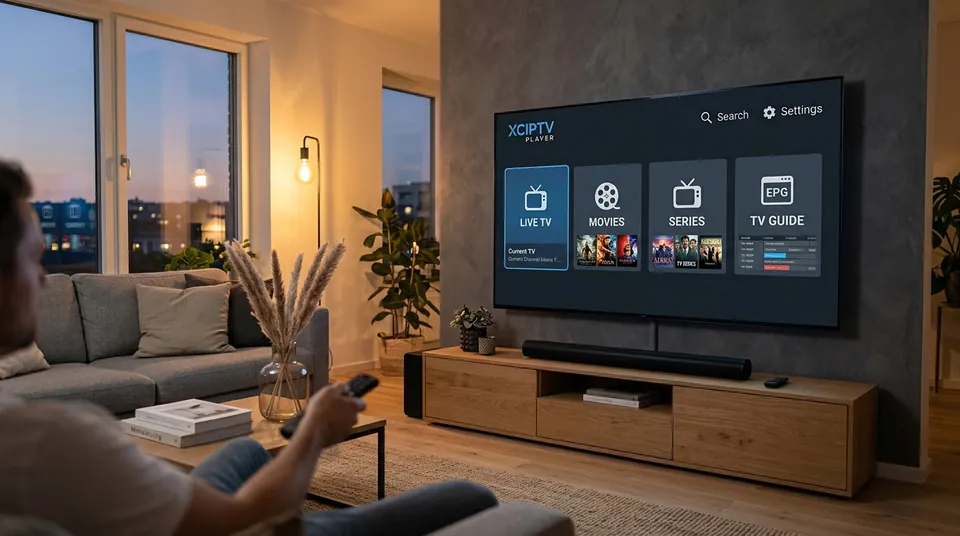 100% Free Player • No Ads Reported
Why is XCIPTV showing “App Disabled” on my Firestick?
Amazon is blocking it. Enforcement reports date the crackdown to August/September 2026 — one Firestick guide marks it “disabled as of September 1, 2026,” another traces Amazon’s enforcement to early August — as part of Amazon’s broader 2026 action against piracy-associated apps. Users report a two-stage flow: first an “App Disabled” warning with a “Launch Anyway” option, then an eventual hard block. Sideloaded copies installed via the Downloader app are affected; this isn’t something a reinstall or a settings tweak fixes, because the block is enforced by Amazon’s Fire OS itself, not by anything inside XCIPTV.
The practical consequences:
- Don’t waste an evening troubleshooting it. If you’re on a Firestick and XCIPTV shows “App Disabled,” no amount of clearing cache, reinstalling the APK or changing settings will bring it back. The #1 misdiagnosis since September 2026 has been “my provider died” — check for the Amazon pop-up before you blame your subscription.
- It still works on Android TV and Google TV. XCIPTV remained listed on Google Play for Android TV/Google TV as of September 2026. If your television runs Android TV natively, or you have a Chromecast with Google TV or an Android box, XCIPTV is still a live, legitimate option there.
- Fire TV users should switch apps, not fight Amazon. Smarters Pro app is the closest like-for-like free replacement for beginners; TiviMate player is the upgrade pick if you watch a lot of live TV. Both accept the same Xtream Codes login — switching apps doesn’t touch your subscription.
We’ll say it plainly since some sites won’t: recommending XCIPTV to a Firestick owner in late 2026 is bad advice. The honest recommendation depends on your device, and ours does.
 Firestick 4K Max • Switch to Smarters or TiviMate
Is XCIPTV free? Is there a paid version?
Completely free. No paid tier, no in-app purchases, no activation fee — consistent across every source we found. The only money involved anywhere in the setup is your IPTV provider subscription, which is separate. One caveat worth knowing: some providers white-label or resell XCIPTV-based apps, so if anyone offers you “paid XCIPTV” or a “premium XCIPTV subscription,” that’s a reskin or a markup, not an official product. The real app costs nothing. (A side note on trust: one second-hand review piece claimed forum users avoid XCIPTV as a rebranded-resold app — that’s a single source, not an established fact, but it’s one more reason to download from proper stores and never pay for the app itself.)
How do I add my playlist — Xtream Codes or M3U?
For Android TV/Google TV users where the app still runs properly, setup follows the familiar pattern — with one XCIPTV-specific detail worth knowing:
- Install from Google Play on Android TV/Google TV (still listed as of September 2026), or sideload via the Downloader app with a trusted APK source on other Android devices.
- Choose your login type: Xtream Codes login or M3U URL. As with every player we cover, Xtream Codes is the better choice — automatic categories, automatic EPG, less parsing load on the device. Our the Xtream Codes API has the full rationale.
- Enter the server URL without a trailing “/c”. This is the XCIPTV-specific gotcha: some Xtream logins floating around end in
/c, and a forum answer confirms explicitly that XCIPTV does not want the/con the end. Strip it. - Add the playlist, wait for channels and the EPG to load, and you’re in.
Your provider login is what fills the app — open XCIPTV with no playlist and you get the famous “blank shell at login,” which confuses every beginner once. It’s not broken; it’s empty. An IPTV subscription gives you the credentials; the app gives you the interface. Same player-vs-provider rule as everywhere else on this site.
XCIPTV or IPTV Smarters Pro — which is better?
The community’s short version: XCIPTV was the richer free app; Smarters is the safer pick now. XCIPTV’s edges were multiscreen (up to 4 channels — Smarters doesn’t match that), the traditional-TV layout, and zero ads. Smarters’ edges are simplicity, wider device support, and — decisively in late 2026 — the fact that Amazon isn’t blocking it on Firestick. For Android TV/Google TV users, it’s still a genuine toss-up and XCIPTV’s multiscreen is a real differentiator if you watch several matches at once. For Firestick users, it’s not a contest anymore: Smarters (or TiviMate) wins by being allowed to exist on the device. Compare all five players on the app comparison hub.
| Feature | XCIPTV Player | IPTV Smarters Pro |
|---|---|---|
| Firestick Compatibility | Blocked by Amazon Fire OS | 100% Operational & Sideloadable |
| Android TV & Google TV | Official Google Play Store | Official Google Play Store |
| Multi-Screen Mode | Built-in 4-Screen Split (Free) | Basic 4-Screen Split |
| In-App Advertising | Zero Ads Reported | Ad-supported banner strips |
| External Player Support | Built-in ExoPlayer, VLC, MX Player | Built-in, VLC, MX Player |
Countries show up but no channels load — fix
This is XCIPTV’s signature bug report: the category list populates (countries, genres) but opening any of them shows nothing. Work through these:
EPG is blank in XCIPTV — how do I fix it?
XCIPTV’s EPG parser is stricter than TiviMate’s — a guide comparison noted that malformed XMLTV data which TiviMate shrugs off can break XCIPTV’s guide entirely, and users report migrating to TiviMate fixing their EPG immediately. With that in mind:
- Prefer your provider’s EPG over a manual XMLTV URL. The provider feed is formatted for exactly this use; hand-pasted XMLTV links are where the strict-parser failures come from.
- Check tvg-id matching is exact — it’s case-sensitive, and a near-match is a miss.
- On low-memory Firesticks, try a single-country EPG feed first. Loading the full multi-country guide can exceed what the stick holds, leaving you with a blank grid.
- Refresh the EPG and wait. First-load guide population on a big list takes minutes, not seconds.
If the guide matters a lot to you and XCIPTV keeps fighting it, that’s an honest reason to try TiviMate — its parser is the most forgiving of the free and cheap options.
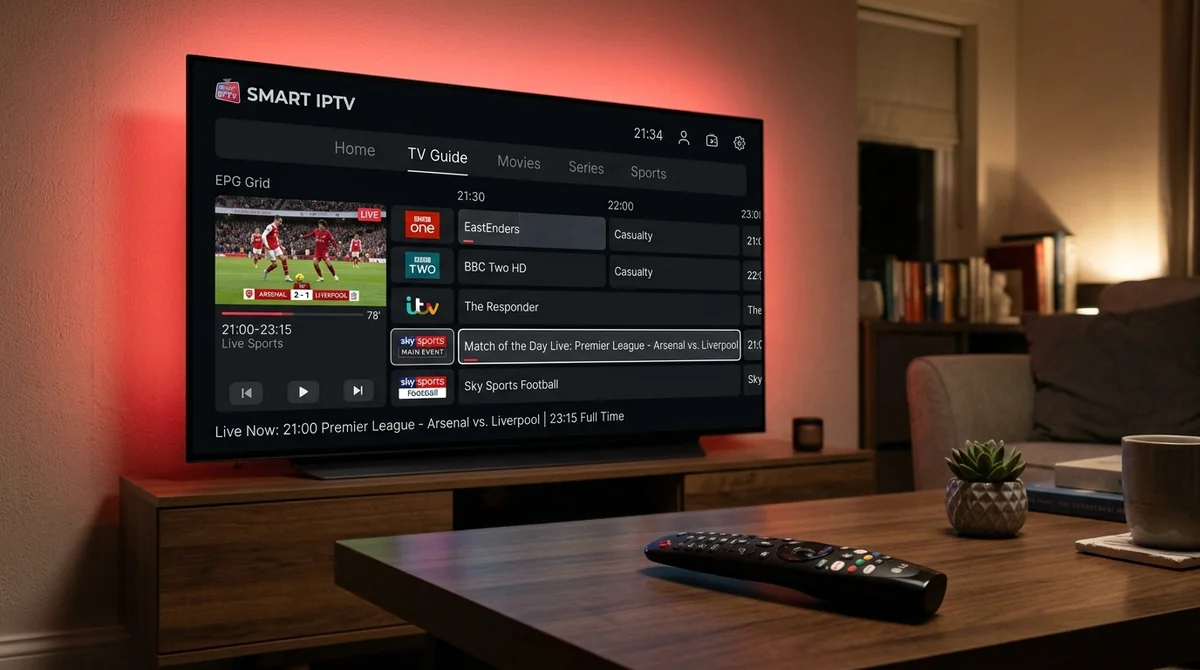 Strict XMLTV Formatting • Xtream Codes Sync
XCIPTV keeps crashing — fix
Occasional crashes are a known XCIPTV complaint, including reports of the app dying after a few hours of use and one older 5.0.1 update that broke some Android boxes:
- Clear the app cache and restart.
- Force stop and reopen.
- Reinstall clean — XCIPTV crashes genuinely do respond to reinstalls more often than other apps’ issues do.
- Check available storage. Firesticks running near-full storage crash video apps first; free up a gigabyte and retest.
If crashes persist on a Firestick specifically, remember the context: you’re running an app Amazon is actively suppressing on that platform. Persistent instability on Fire OS in late 2026 is a reason to migrate, not a puzzle to solve indefinitely.
What are the best XCIPTV alternatives on Firestick now?
Since this became the post-September-2026 question, here’s the direct answer:
1. IPTV Smarters Pro (The Like-For-Like Free Pick)
The closest free replacement. Simple login, clean layout, works on Firestick without Amazon’s interference, free. Start here if XCIPTV’s simplicity is what you liked.
2. TiviMate IPTV Player (The Power User Upgrade)
The upgrade. Free tier is genuinely usable; Premium (around $9.99/year per community reports) adds recording, multi-view and multiple playlists. The community’s top-rated Firestick player by a distance.
3. Staying on Android TV / Google TV?
You don’t need an alternative — XCIPTV still works there via Google Play. This section is for Fire TV owners only.
All three take the same Xtream Codes login, so switching costs you ten minutes, not a new subscription. Our Firestick setup page covers getting any of them running, and the Android TV page covers the devices where XCIPTV still thrives.
Try the free alternatives on us — 24 hours, no card
If Amazon’s block just orphaned your setup, the fix is ten minutes and a free app — not a new subscription. Message us on WhatsApp and we’ll send trial logins that work in Smarters, TiviMate or XCIPTV (on Android TV), plus tell you which app fits your device. Test everything for 24 hours free: the channels, the EPG, multiscreen if that’s your thing. If your provider blames the app or the app blames your provider, we’ll tell you which one it actually is.